
Accessing the Settings Interface
To access the GovPay Settings interface, follow these steps:
1. Sign in to your Tax1099 account.
2. Navigate to the GovPay (EFTPS) interface from the left navigation menu.
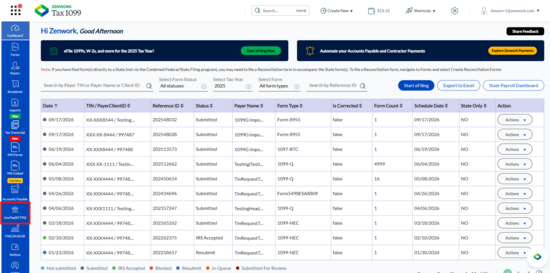
The GovPay Dashboard page appears.
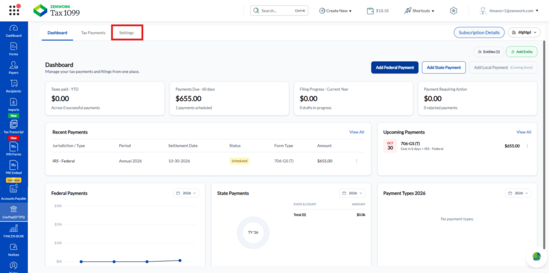
3. Click the Settings tab at the top of the page.
The Settings interface appears.
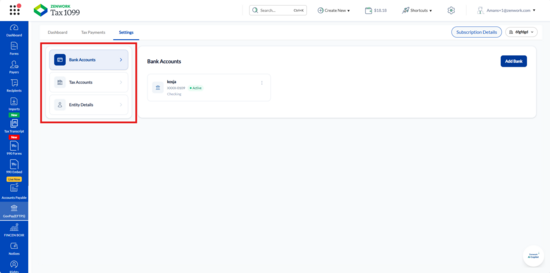
4. The following options appear in the left panel:
o Bank Accounts
o Tax Accounts
o Entity Details
5. Select the required option to view or manage the corresponding information.